
Toom Studio
Your screen,
directed.
Hit record and talk. Toom zooms in where you click, glides your cursor, writes your captions and hides what’s private. It looks edited by hand. It wasn’t.
Toom runs on Mac and Windows.
Get the highlights.
Auto zoom. Every click gets its close-up. Toom finds the moments that matter and moves in.
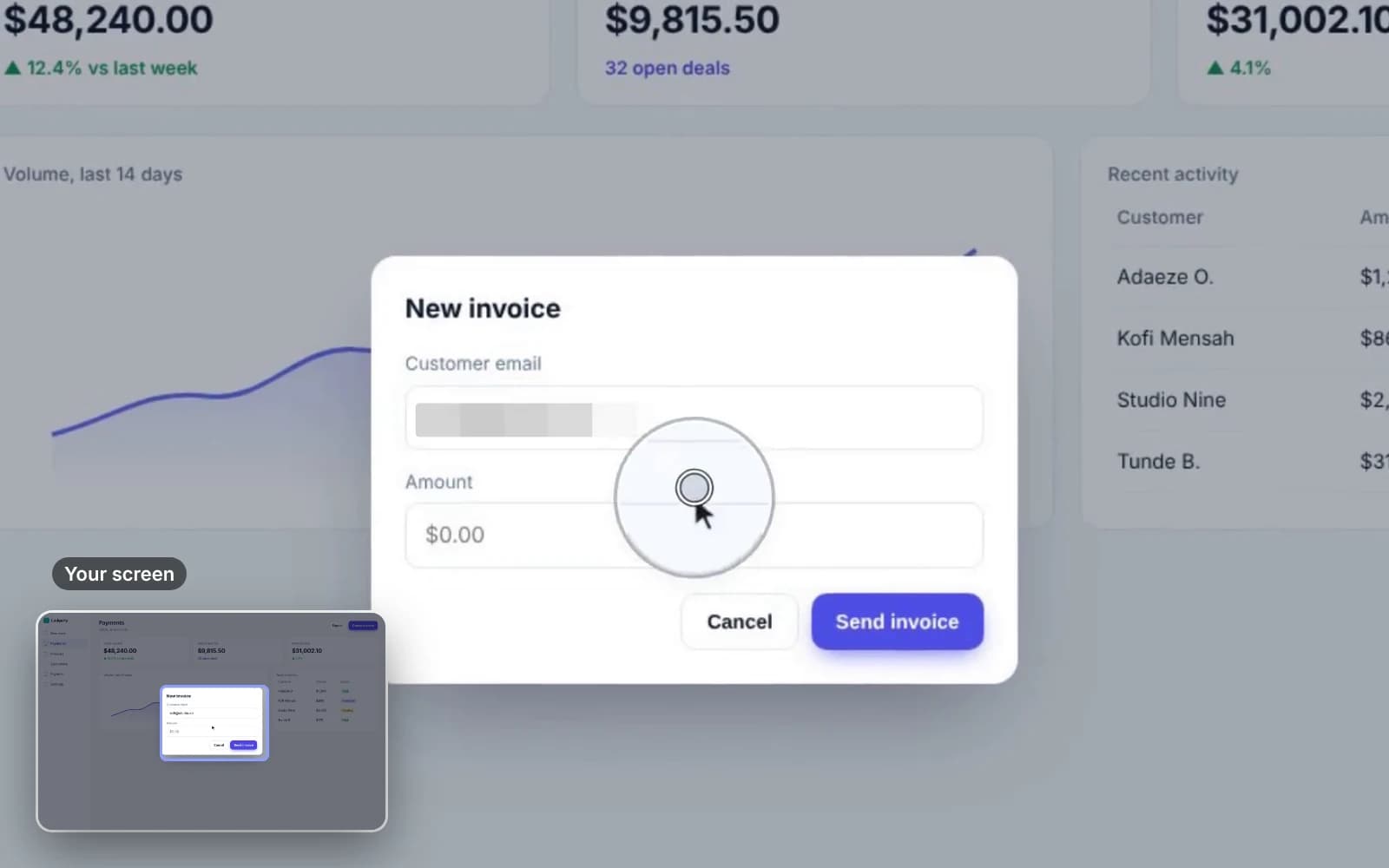
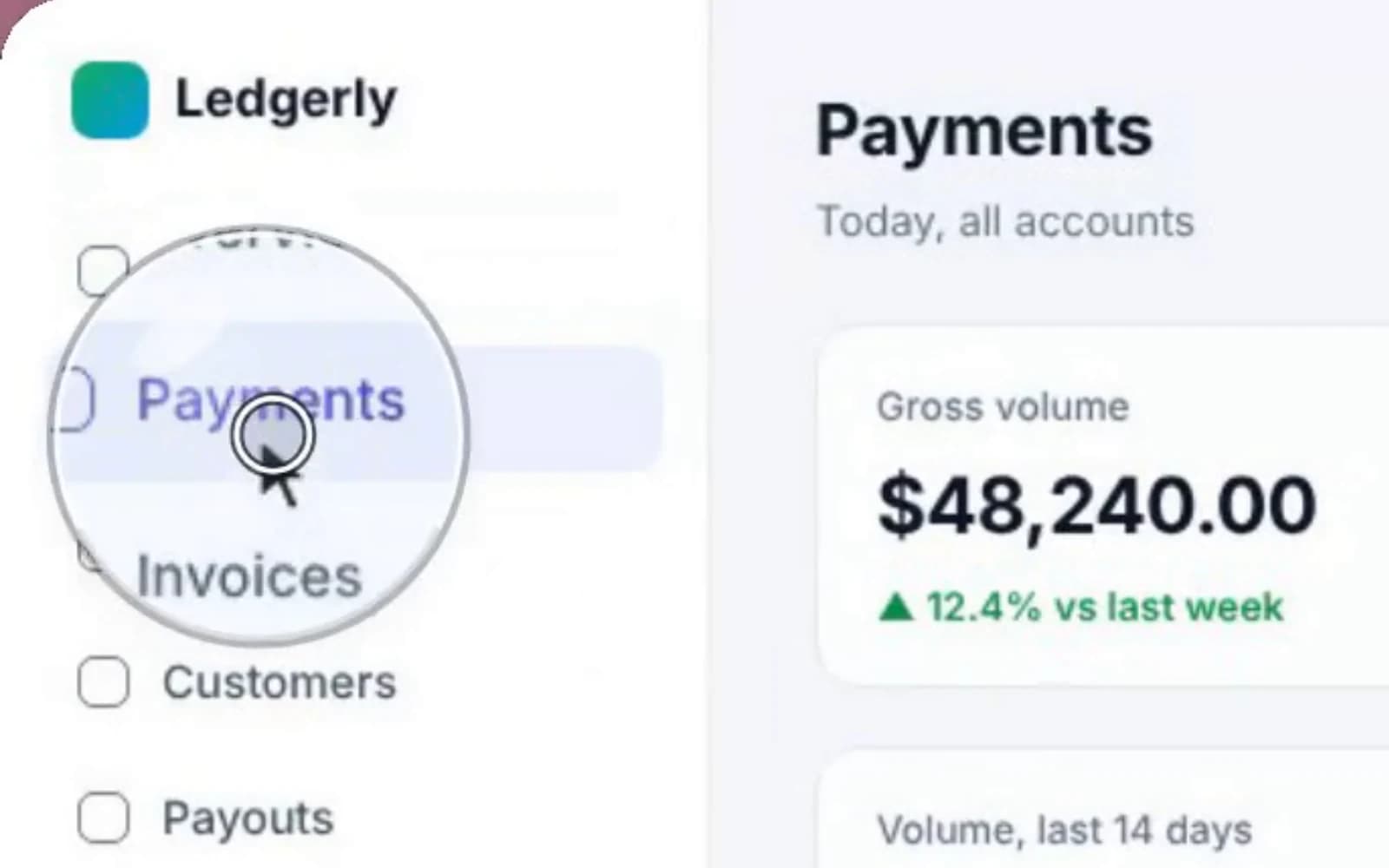
A rehearsed cursor. Shaky mouse paths become smooth arcs, with a glass bubble on every click.
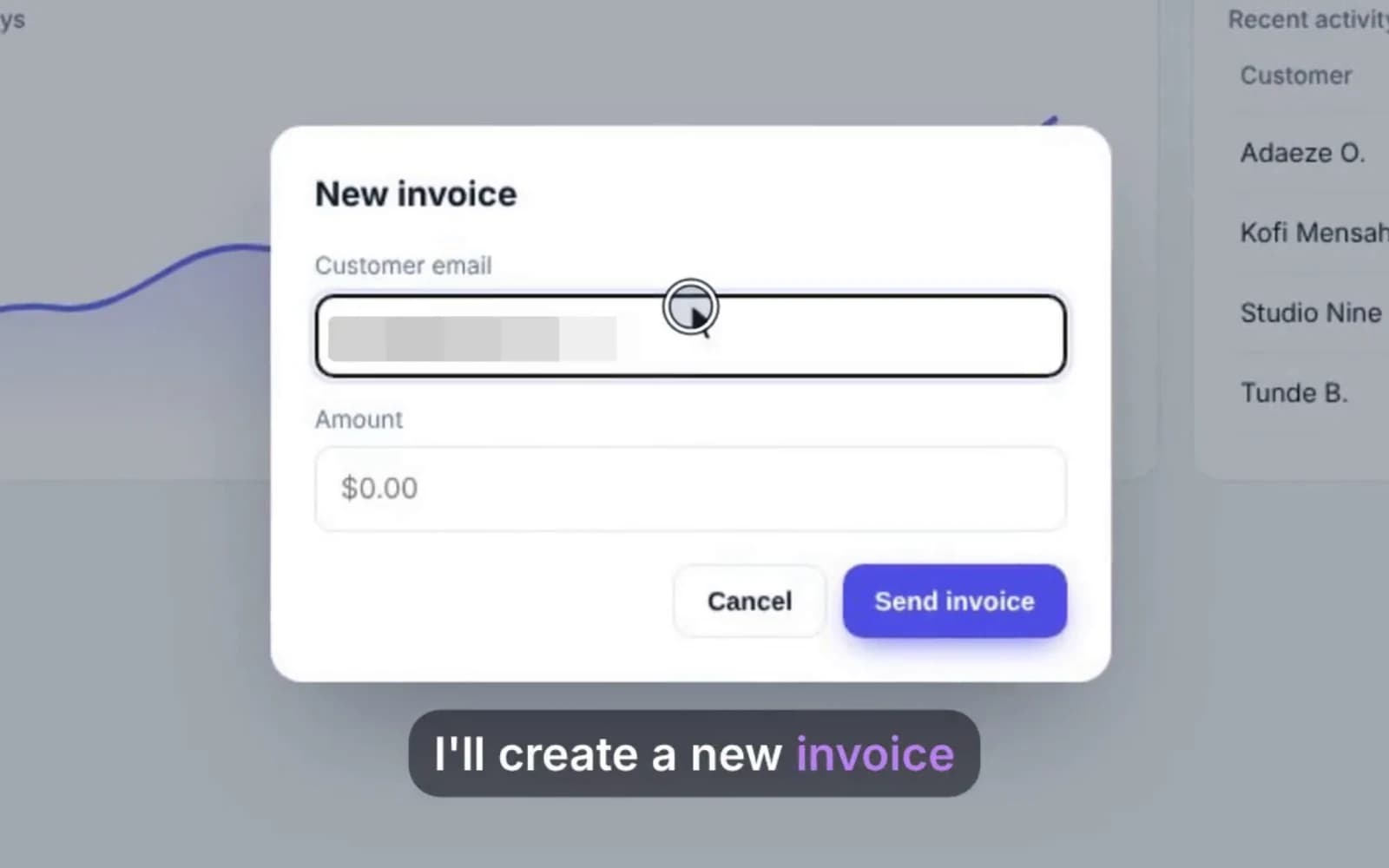
Captions, written for you. Your voice, transcribed on your computer and burned in as you speak.
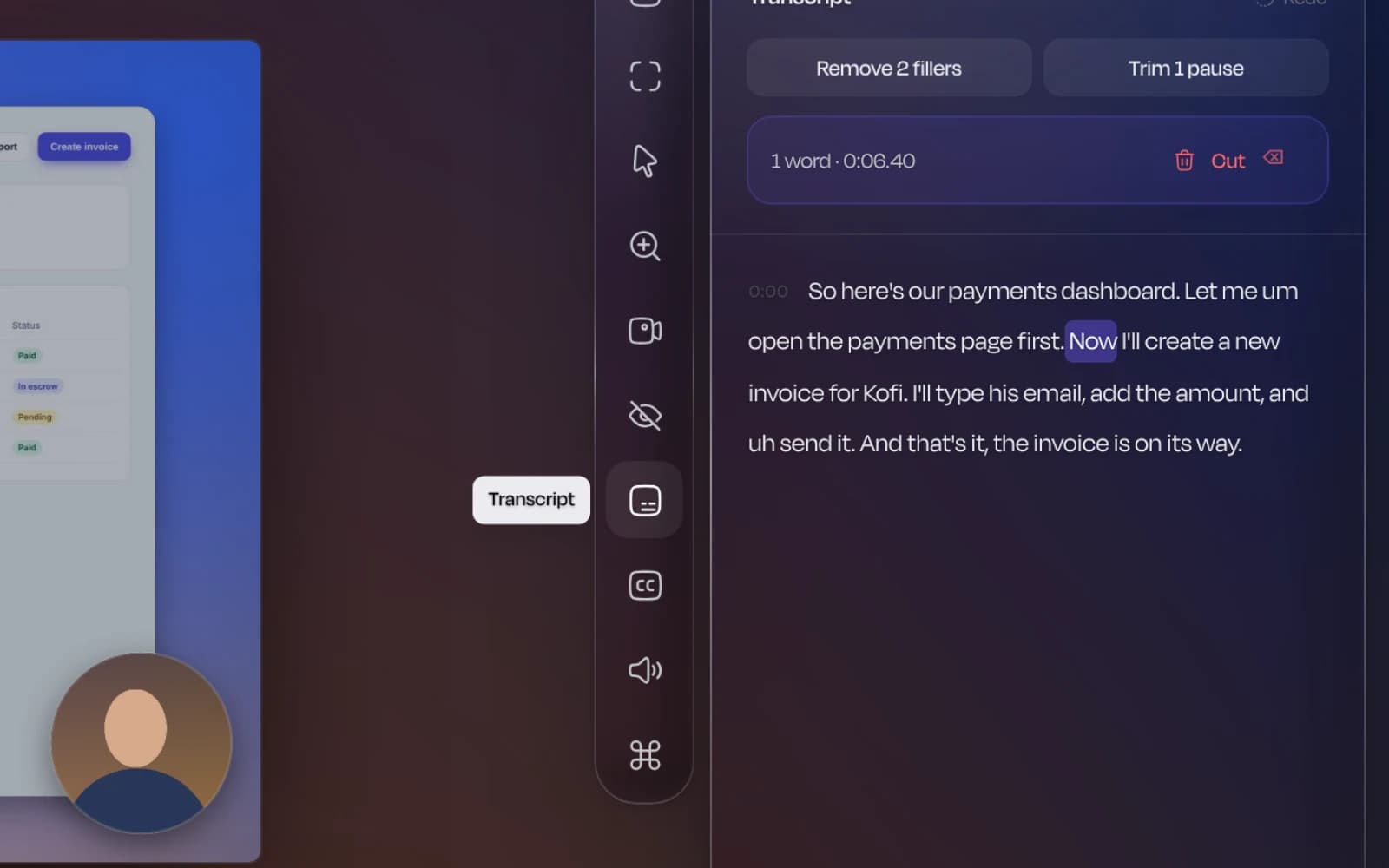
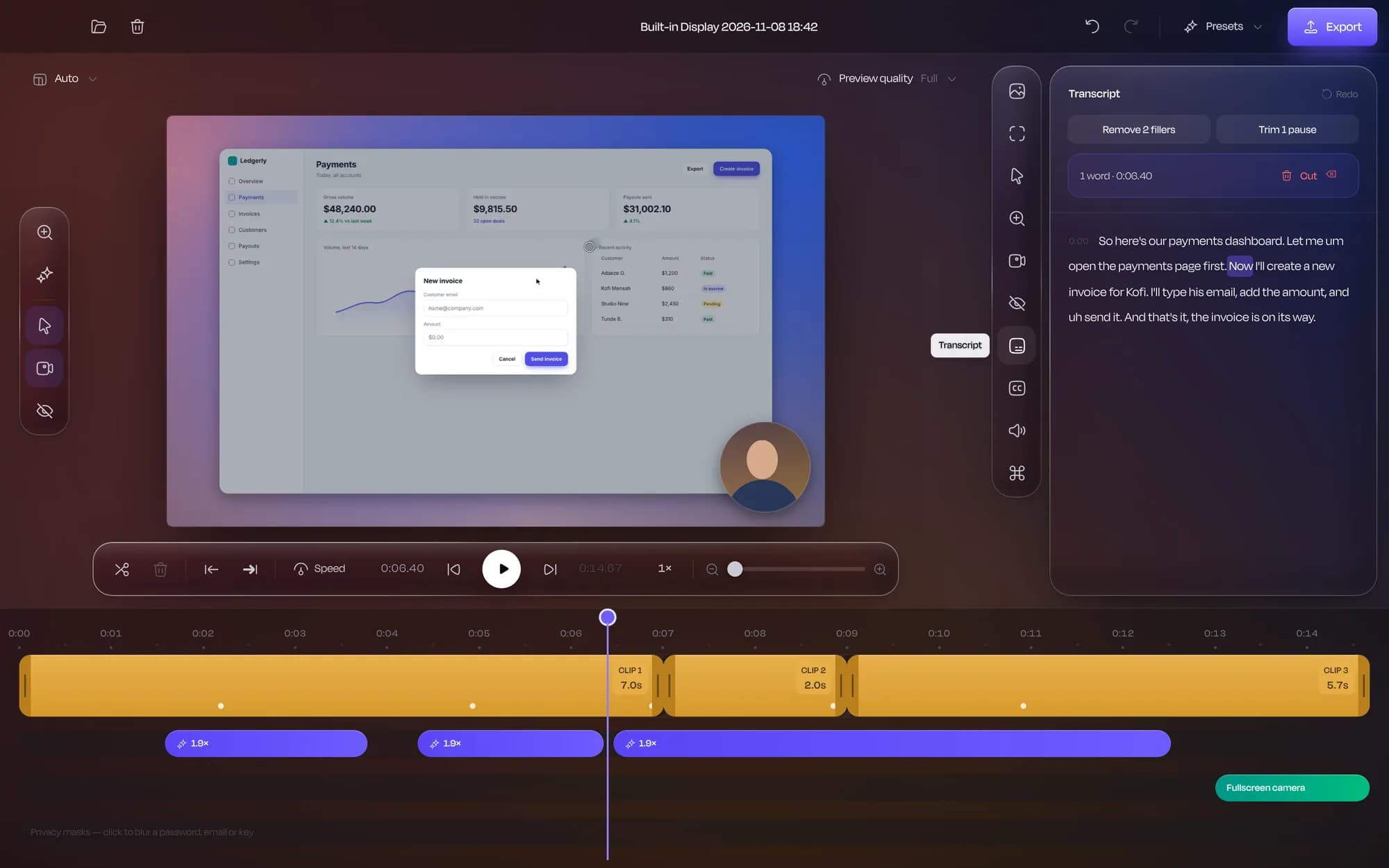
Edit by reading. Select words in the transcript and delete them to cut the video. Fillers go in one click.
Secrets, covered. Emails, card numbers, API keys and faces are found and hidden before you share.
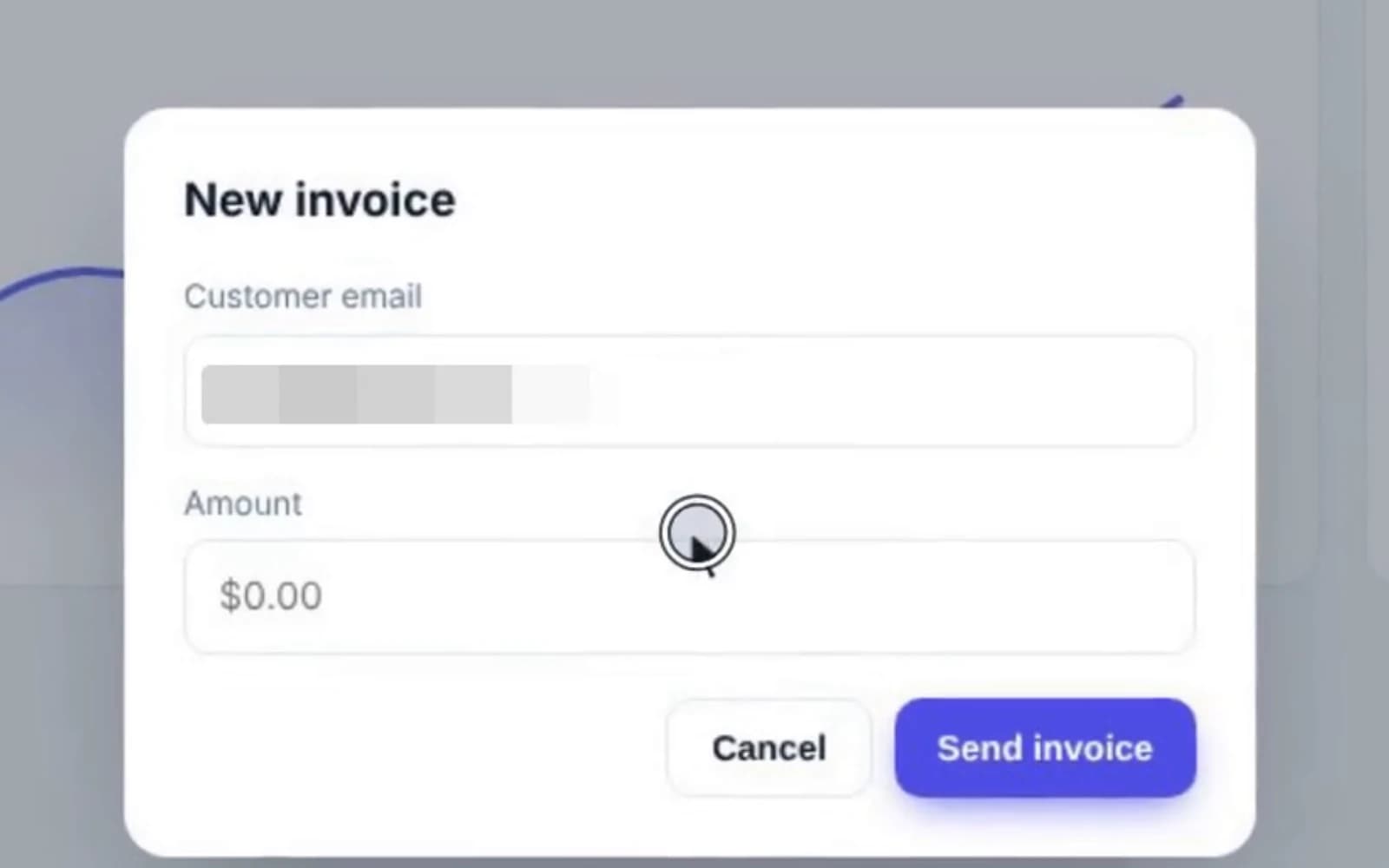
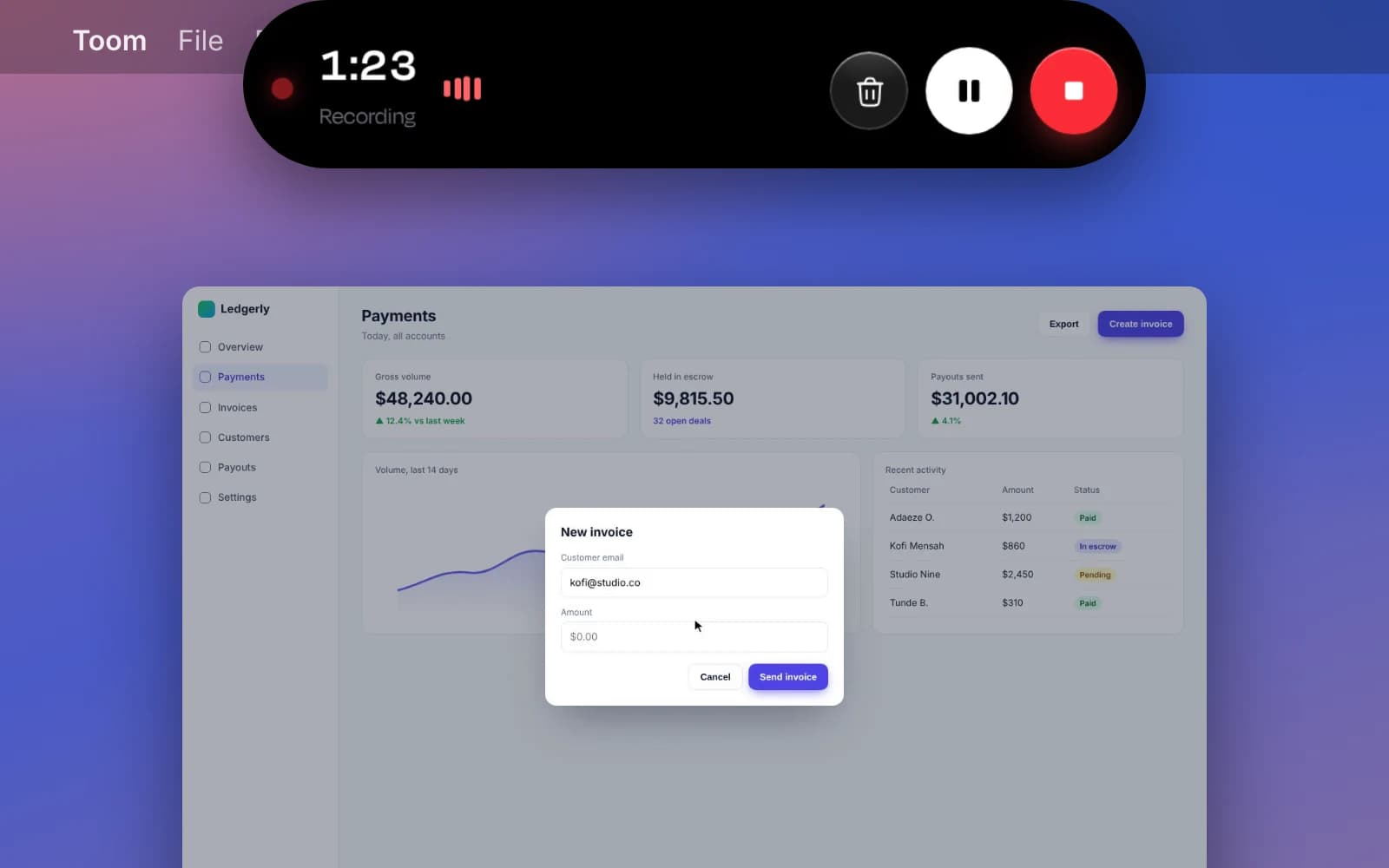
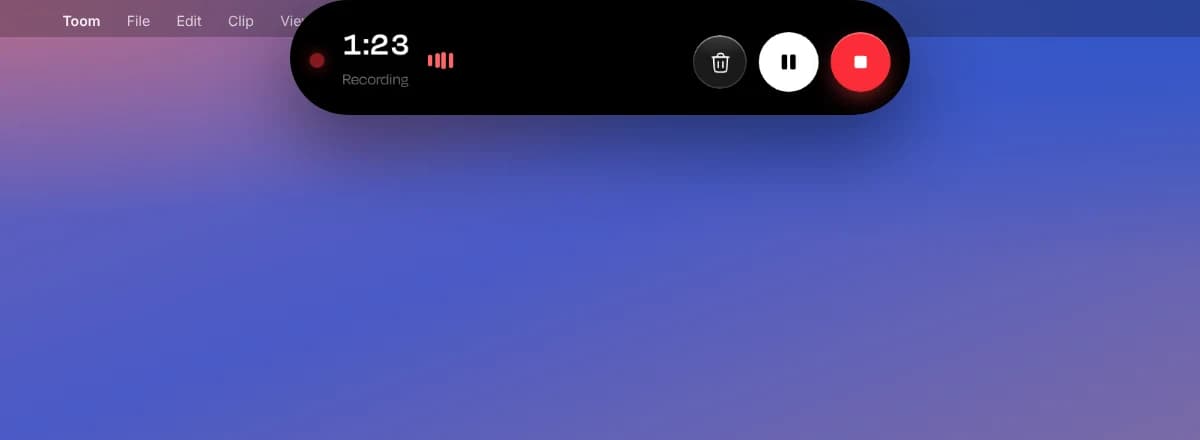
Out of the way. Recording controls wrap around the MacBook notch and never appear in the video.
The film
Watch it work.
A real Toom export, straight out of the app. Nobody touched the timeline.
Before and after
Same take. Different league.
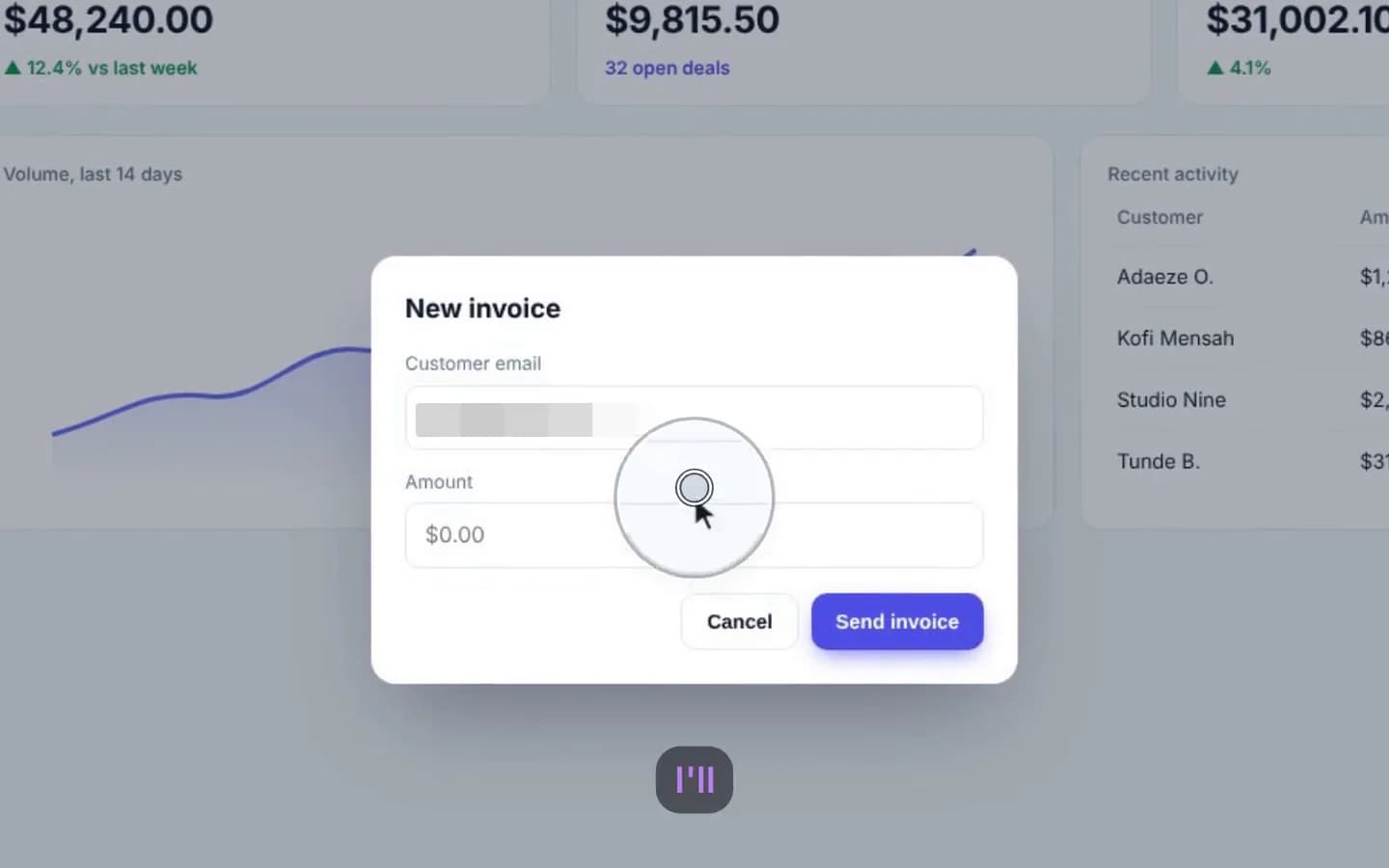
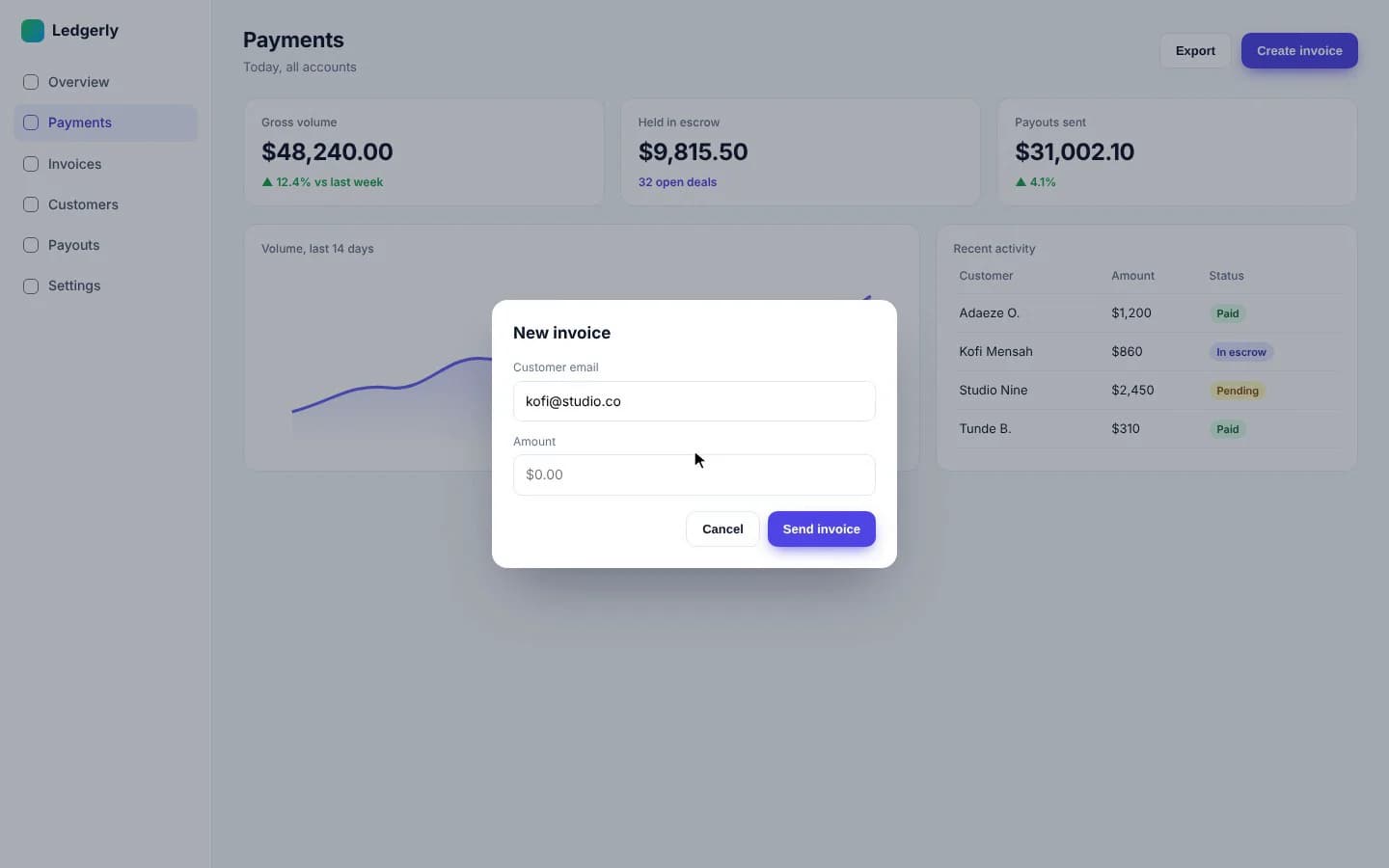
Drag across the frame. On the left, what you recorded. On the right, what people see.
Camera
Your face, exactly where it helps.
Your webcam records as its own track, so you choose how it appears after you’ve recorded, and change your mind halfway through.
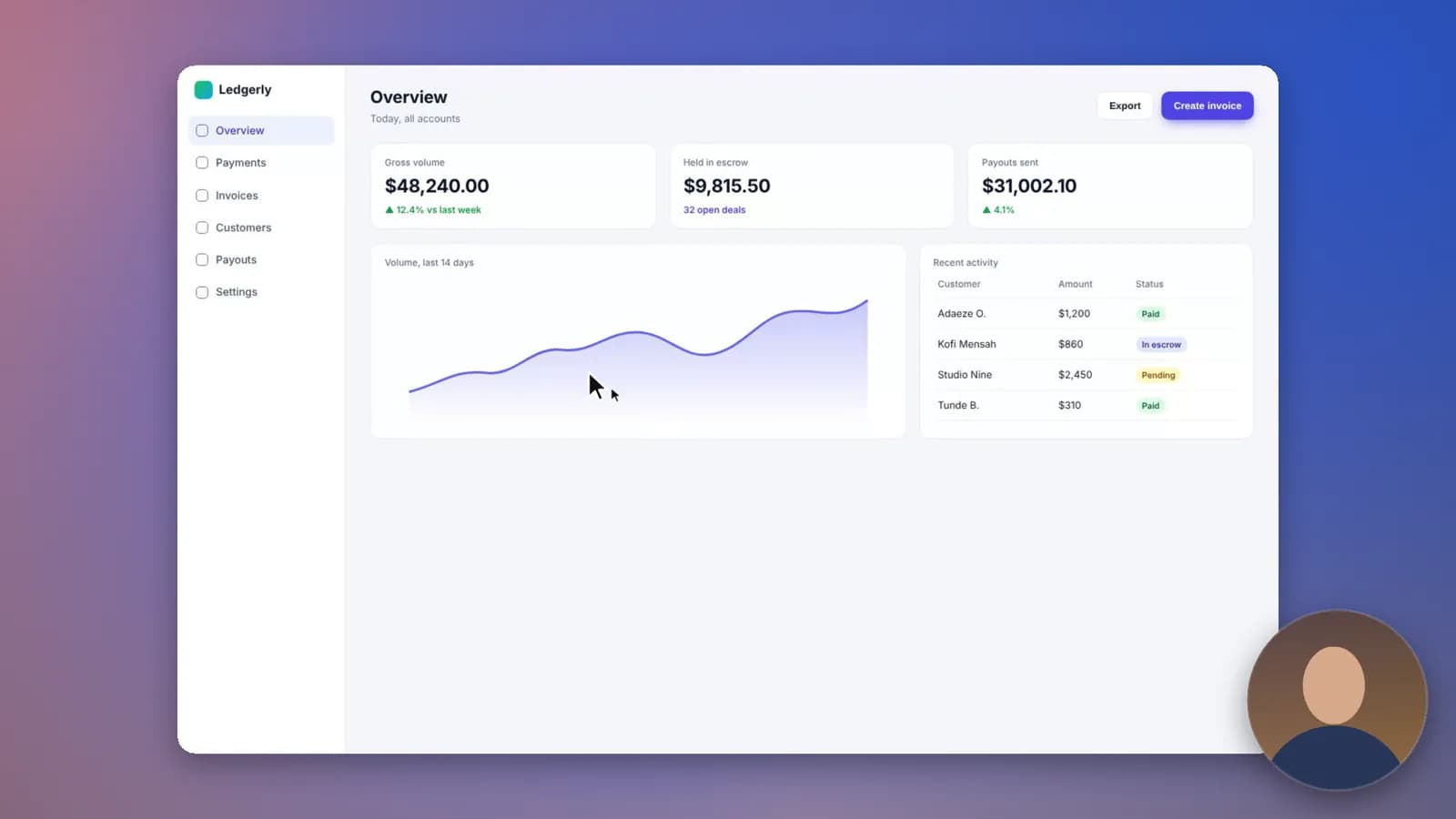
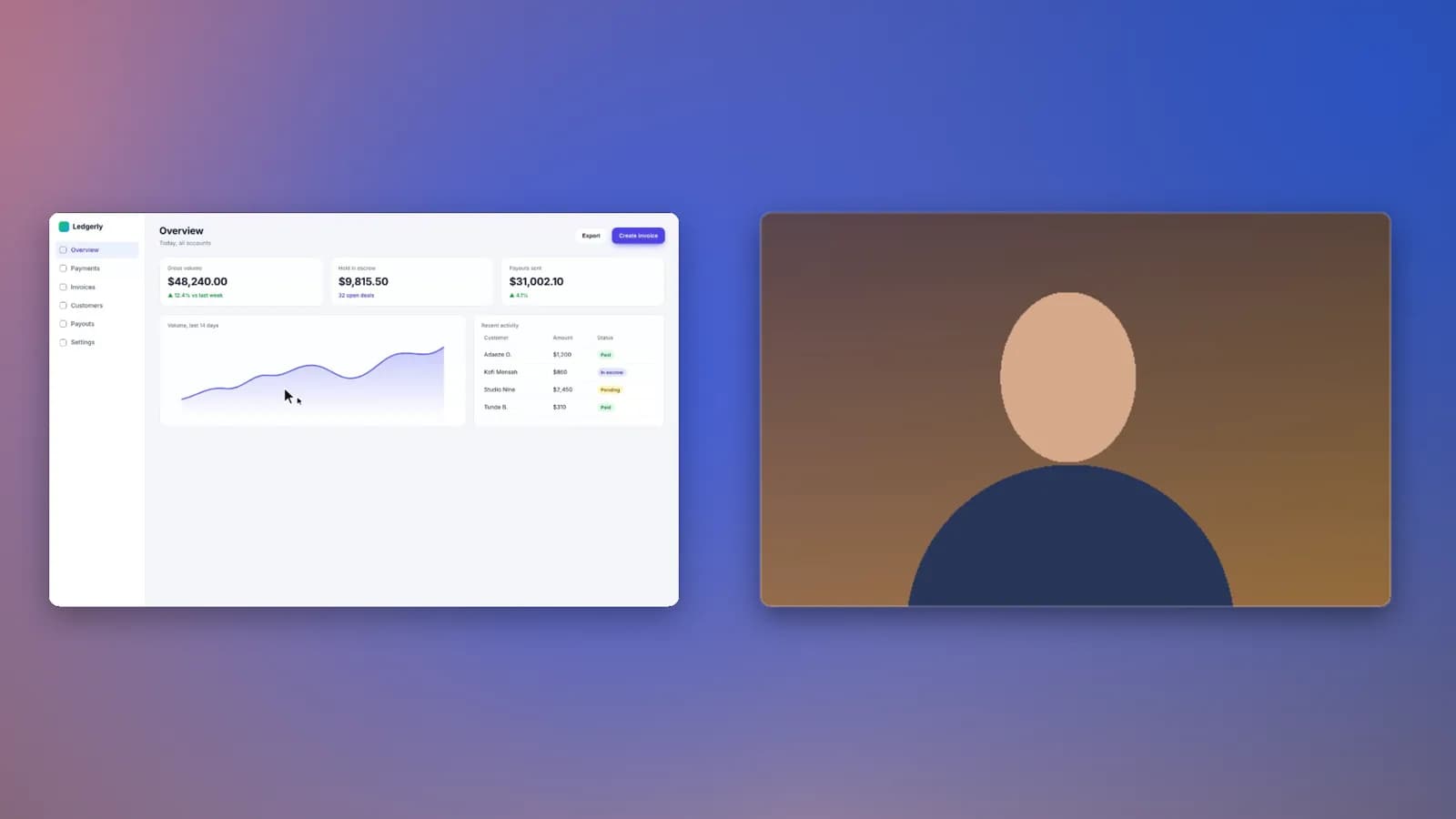
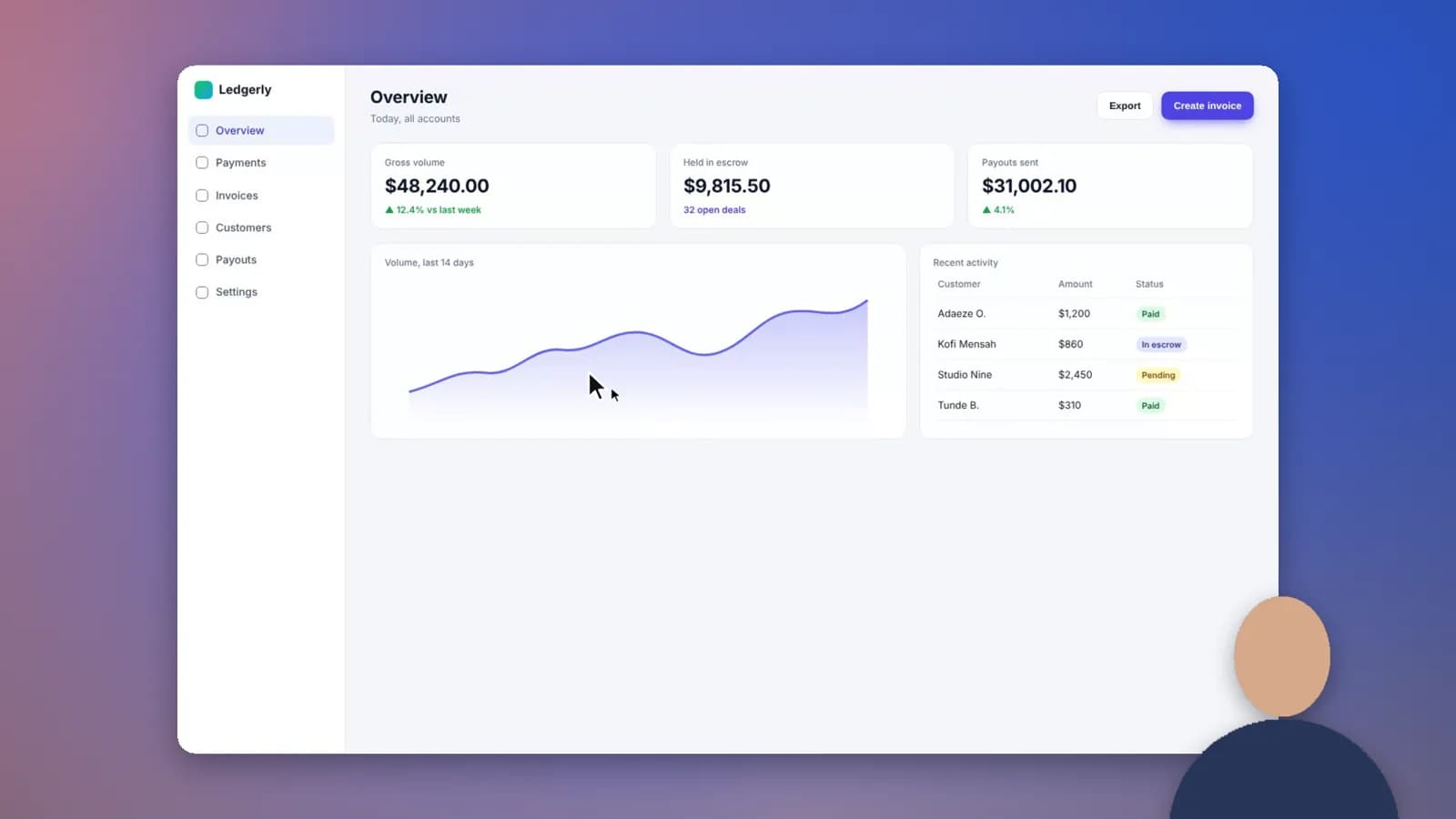
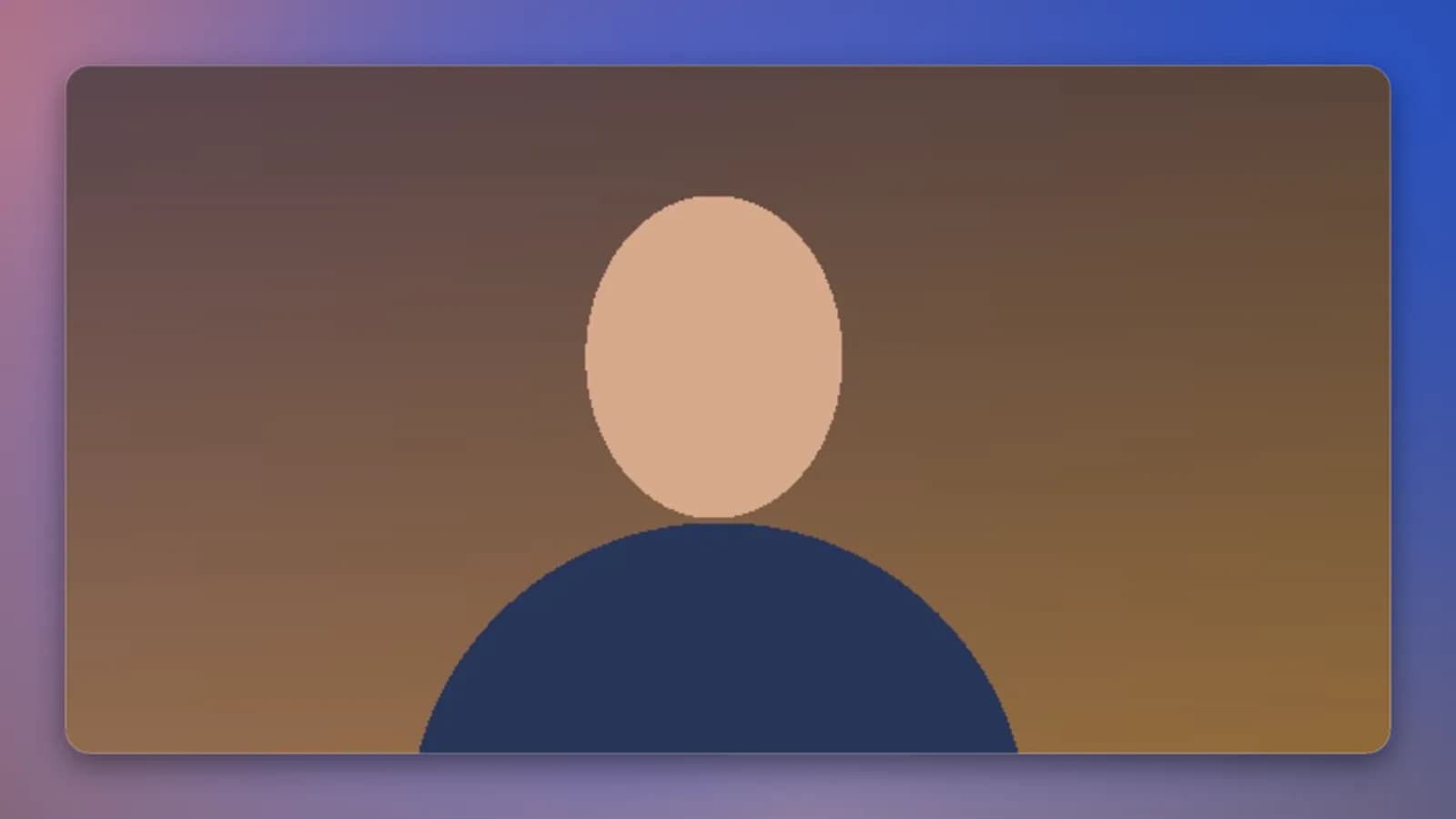
A bubble in the corner. Face tracking keeps you centred as you move.
Transcript
Edit video like a document.
Toom transcribes you on your computer. Select a sentence and press Backspace to cut it from the video. Remove every “um” in one click. Reading is faster than scrubbing.
Five caption styles
Karaoke, bold, box, glass and clean, with pop, rise or fade.
Pauses, trimmed
Long silences shrink to a beat. Fillers go in one click.
Private by design
Whisper runs on your computer. Your words stay there.
Privacy
Secrets stay off the record.
Before you share, Toom reads every frame and covers emails, phone numbers, card numbers, API keys and faces. It’s on by default, and none of it leaves your computer.
Card numbers are checked, not guessed, so your order IDs stay visible. Missed something? Draw a mask with M and it follows every zoom.
4K
Export resolution, hardware-encoded and frame-accurate.
60fps
Smooth enough for every cursor glide and zoom.
0 bytes
Of your recording sent to our servers. Ever.
The details
Small things. Big difference.
Shortcuts, on screen.
Press a shortcut while you record and viewers see it as crisp keycaps. Try it: press any shortcut now.
Typing, sped up.
Spotted from your keystrokes and played at 2× to 4×, muted.
Voice-over and music.
Narrate over playback. Music ducks under your voice by itself.
Any shape.
16:9, 4:3, square or 9:16 from one recording. Zooms reframe to fit.
Nothing gets lost.
Recordings are saved every second. A crash can’t take your take.
Backgrounds that set the mood.
Wallpapers, gradients, your own image or an Unsplash search. Padding, rounded corners and a soft shadow, done.
Made for your computer.
One editor and one export engine, on Mac and Windows. The parts that should feel native, are.
Mac
- Recording controls in a Dynamic Island around the notch
- Liquid Glass on macOS 26, vibrancy before it
- Native on Apple silicon and Intel
- A real menu bar, with shortcuts for everything
Windows
- Acrylic glass that belongs on Windows 11
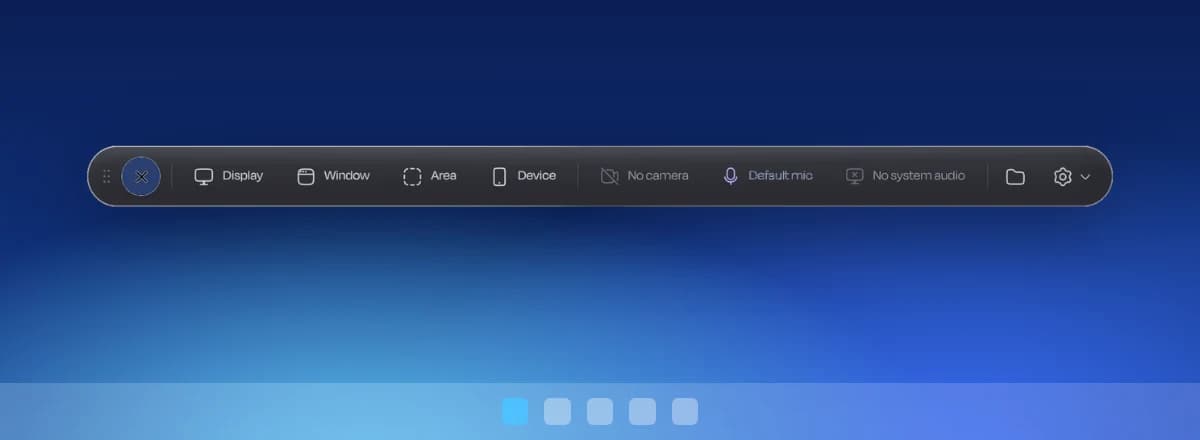
- Records system audio along with your mic
- Native on x64 and Arm PCs
- The same editor and export engine as on Mac
Pricing
Free to start. Pro when you’re ready.
Every editing tool is in the free version. Pro takes off the limits.
Toom
Free
$0/mo
Free for as long as you like.
- Every editing tool: zooms, captions, camera layouts, masks
- Recordings up to 5 minutes
- Export at 720p, 30 fps
- A small “Made with Toom” mark
Toom Pro
Pro
$8/mo$12
$96 billed yearly. You save $48 a year. 7-day free trial.
- Everything in Free
- Unlimited recording length
- Export up to 4K at 60 fps
- No watermark
- Every Pro feature we ship next
Start Pro from inside the app. Cancel any time.
Waitlist
Be first to know.
New features reach the waitlist first, with launch pricing and the occasional look behind the scenes.
Questions? Answers.
Is Toom free?
Yes. The free version has every editing tool. It limits recordings to 5 minutes, exports at 720p and adds a small “Made with Toom” mark. Pro removes all three.
What do I need to run it?
A Mac with macOS 12 or later (Apple silicon or Intel), or a PC with Windows 10 or 11 (x64 or Arm). The download button picks the right version for you.
Does my recording leave my computer?
No. Recording, editing, transcription, the privacy scan, face tracking and background removal all happen on your computer. Toom only talks to our servers about your account and subscription, and to Unsplash when you search for a background.
Can it record system audio?
Yes on Windows. On macOS 13 and later it’s available as an experimental option, alongside your microphone.
Which Mac download do I need?
Most Macs from late 2020 on have Apple silicon. To check, open the Apple menu and choose About This Mac: it says “Chip: Apple M…” or “Processor: Intel…”. We try to pick for you.
How does the free trial work?
Pro comes with a free trial the first time you subscribe. It’s one trial per person and per computer, and you can cancel any time before it ends.
How do I cancel Pro?
From Settings → Account in the app. You keep Pro until the end of the period you’ve paid for.
Is there a Linux version?
Not yet. Join the waitlist and you’ll hear first if that changes.
Your screen,
directed.
Free to download. Your first polished video is about five minutes away.
Toom runs on Mac and Windows.